

Executive assistants
How to manage a CEO's calendar: 7 rules for a conflict-free schedule
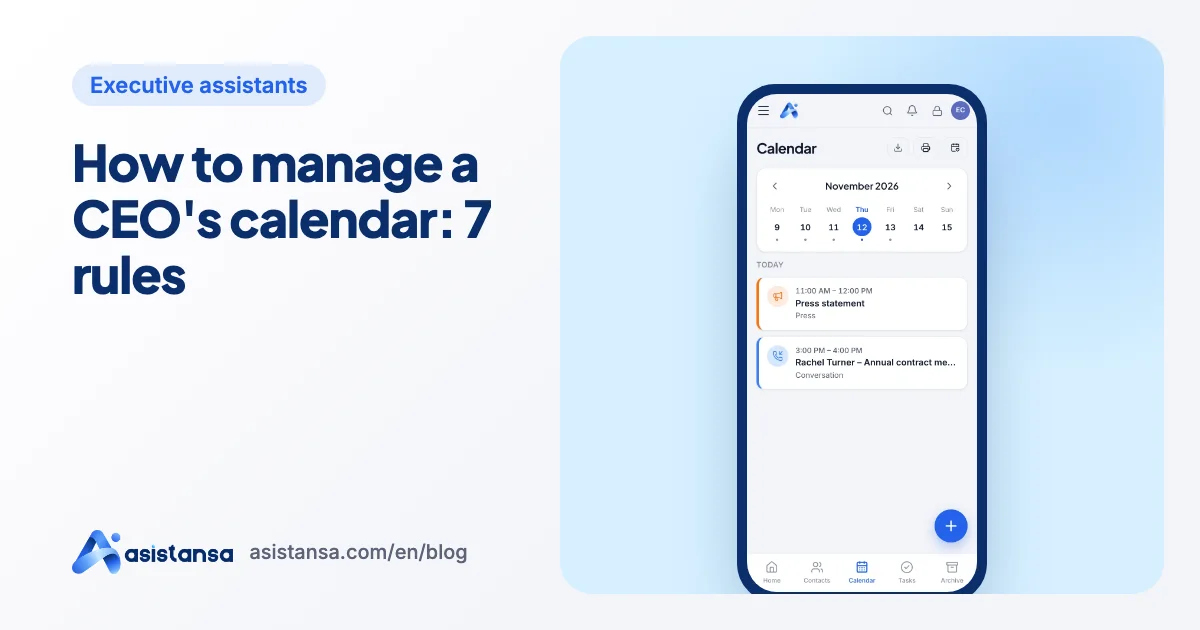
Seven rules for assistants who manage the calendar of a CEO, managing director or business owner: prioritizing appointments, buffer time, a daily schedule card and a shared team calendar.
Short answer: Managing an executive's calendar well means assessing every appointment request by priority, putting buffer time between meetings, protecting focus time, handing over the day's schedule on one page every morning and sharing the calendar with the team. The goal is not a full calendar but one in which the executive finds time for the work that matters most.
Rule 1: Every appointment starts as a request
An appointment typed straight into the calendar is an appointment nobody can explain later. Log the request first: who asked, what is it about, how long is needed, who will attend? Turn it into an appointment once it has been assessed. That way declined and postponed requests stay on record too.
Rule 2: Write down your priority criteria
Agree on a simple order of priority with the executive. For example:
- Board, key client and government meetings,
- Critical internal meetings,
- Supplier and partnership meetings,
- Introductions and courtesy visits.
Written criteria are also the answer to "why didn't this meeting happen?"
Rule 3: Leave buffer time
Back-to-back meetings let a single delay push back the whole day. Add 10–15 minutes between meetings and travel time for visits across town.
Rule 4: Protect focus time
Set aside a few blocks a week in which the executive works without meetings, and protect those blocks like any other appointment.
Rule 5: Hand over a daily schedule card
Every morning, give the executive the day's schedule on one page: time, with whom, where, subject and documents needed. A printed card is quicker to read than a phone screen and handy for notes between meetings.
Rule 6: Share the calendar with the team
The executive, the assistant, the office team and, if needed, the driver should all look at the same calendar. When one person changes an appointment, everyone should see it immediately. Otherwise the time given on the phone and the time someone is waiting at the door won't match.
Rule 7: Review the week
Every Friday, go through next week's calendar with the executive and produce last week's meeting report. Pending requests and call-backs get closed in this review.
What it looks like in practice
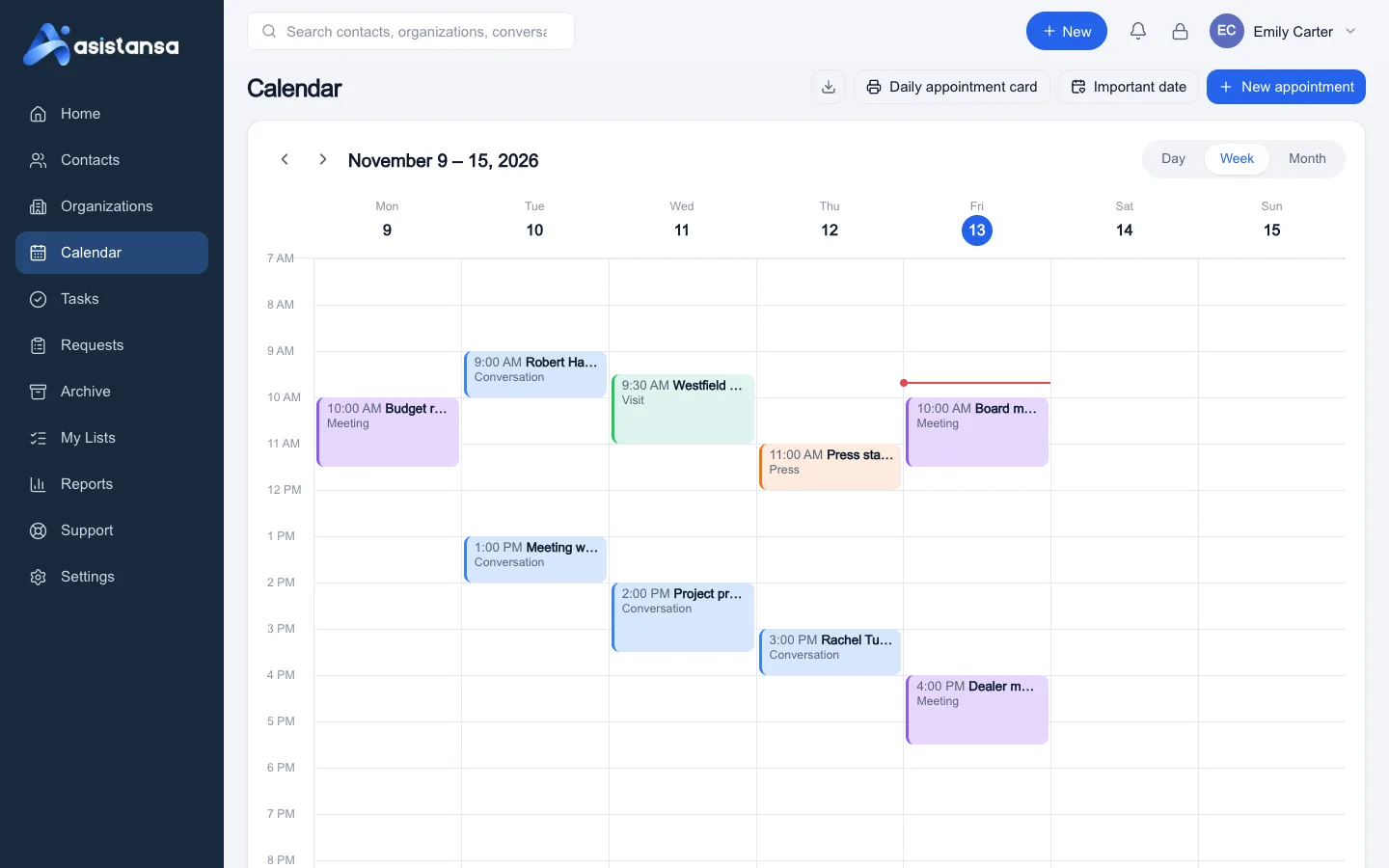
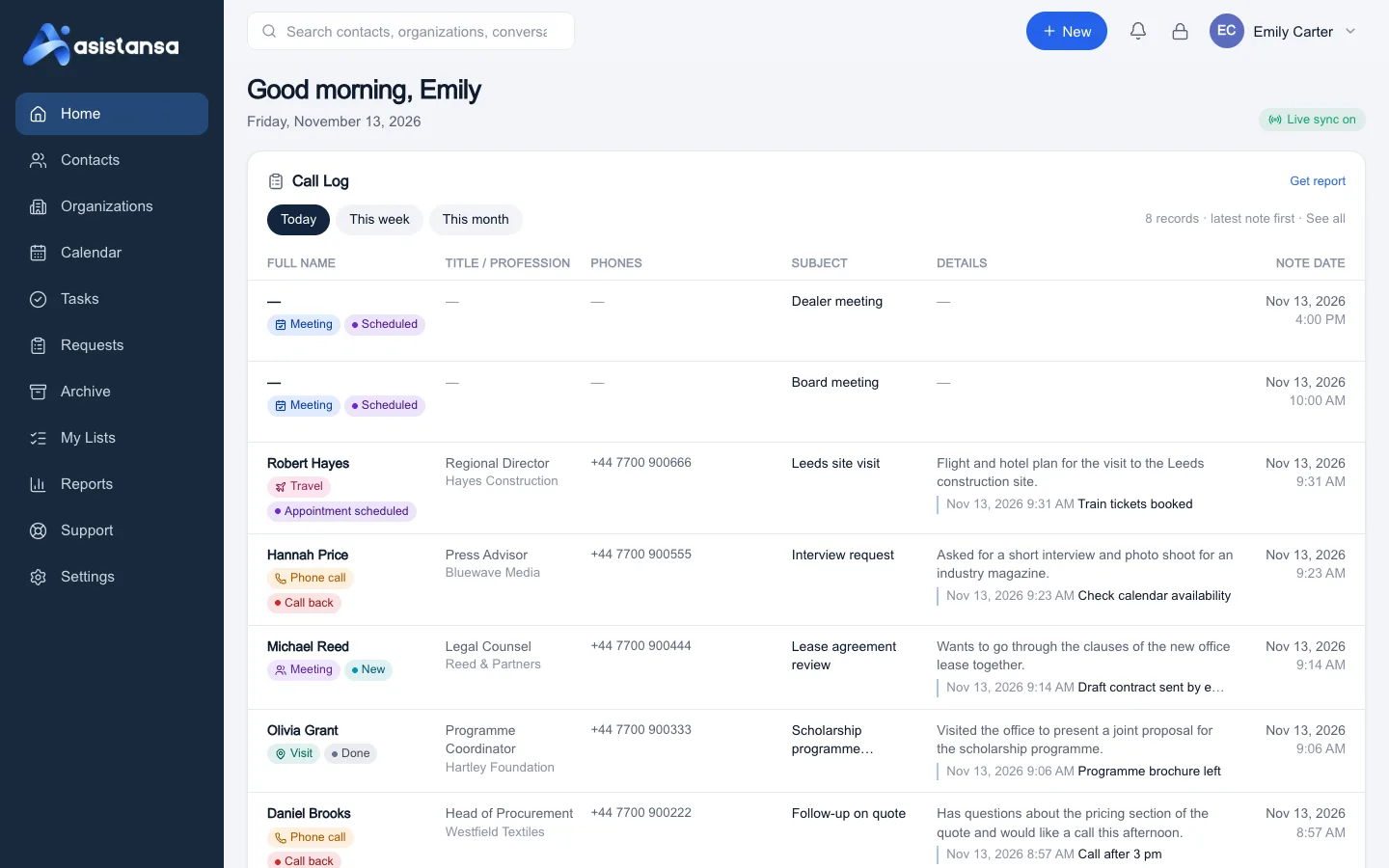
In Asistansa, appointment requests are logged as requests and their status is tracked. Once an appointment is scheduled it appears in the calendar automatically; the calendar has day, week and month views, and calls, meetings, visits and press appointments are told apart by color. A daily appointment card is prepared for each day and printed as a PDF, and you choose which details it shows. If you like, the card is sent at a time you set as an in-app notification, an email or a phone notification.
Teammates join with an invitation code, and when a record changes it updates instantly on everyone's screen. The executive sees their schedule on the iPhone or Android app. The weekly report is exported to Excel or a landscape PDF, with requests filtered by date and type.
In short
A well-run calendar keeps the executive's day under control. A calendar that starts from requests, has clear priorities and buffer time, and is shared with the team makes life easier for both the executive and the assistant.
Frequently asked questions
How do you organize an executive's calendar?
Log appointment requests first and assess them by priority, put buffer time between meetings, protect focus time, hand over the day's schedule every morning and share the calendar with the team.
How do you avoid scheduling conflicts?
Keeping the calendar in one place, with the executive, the assistant and the team all looking at the same calendar, prevents most conflicts. Changes need to reach everyone's screen immediately.
What is a daily schedule card?
A short one-page summary of the executive's appointments for the day, with time, person, place and subject. In Asistansa a daily appointment card is prepared as a PDF for each day and can be sent as a reminder at the time you choose.